


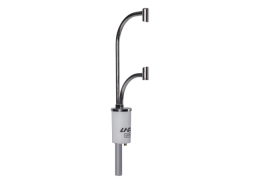
Configuring the Water Node
The Water Node – an LI-710 connected to LI-COR Cloud with an IoE Module – presents the simplest and most scalable way to use the LI-710. Here we describe how to use the LI-710 as a Water Node. After assembling the IoE Module and mounting the LI-710 on the mast, (see Assembling the IoE Module and Installing the LI-710), follow these steps to configure the Water Node.
Initial setup
Leave the LI-710 cable disconnected at this point. You'll connect the cable as part the configuration.
Adding a sensor
-
Power on the IoE Module.
Short-press the power button (
 ) and wait until the main screen is displayed.
-
Set the time zone.
To apply an offset to the default UTC time, press left four times (
 ) and use the up and down buttons to choose an offset. Press Select (
 ) to apply the timezone and return to home. The IoE Module does not account for daylight saving time.
-
Prepare to add sensors.
The IoE Module must have a strong cellular connection during configuration. Keep the sensors nearby but leave the cable disconnected for now.
-
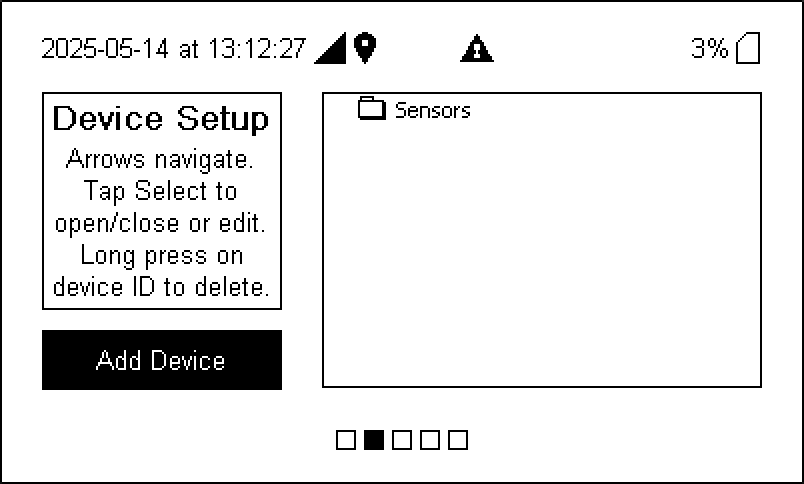
Navigate to the Device Setup screen.
From the home screen, press left three times (
) to access the Device Setup screen. -
While Add Device is highlighted press Select (
) to begin.Leave all device cables disconnected but nearby.
-
Connect LI-710 cable to the port labeled SENSOR and select YES to proceed.
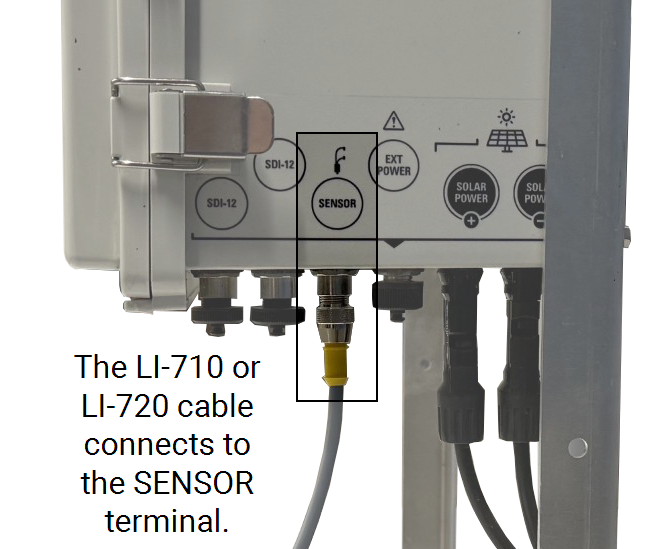
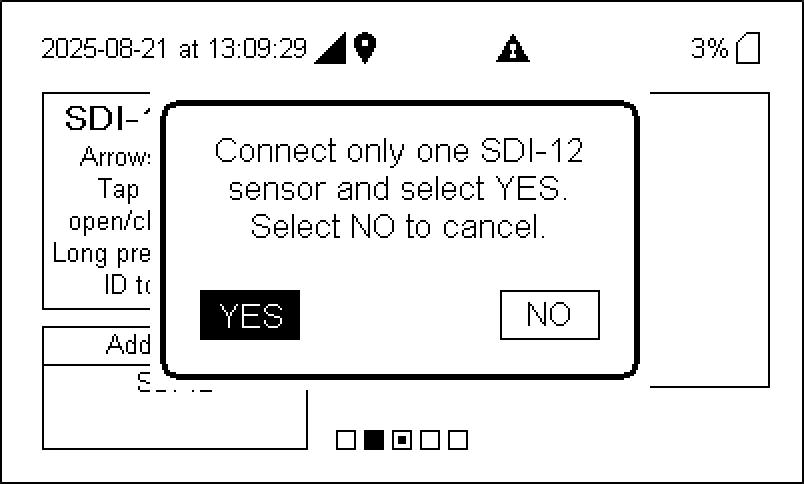
The IoE Module will recognize the device and request configuration information from LI-COR Cloud. Several messages will indicate the progress.
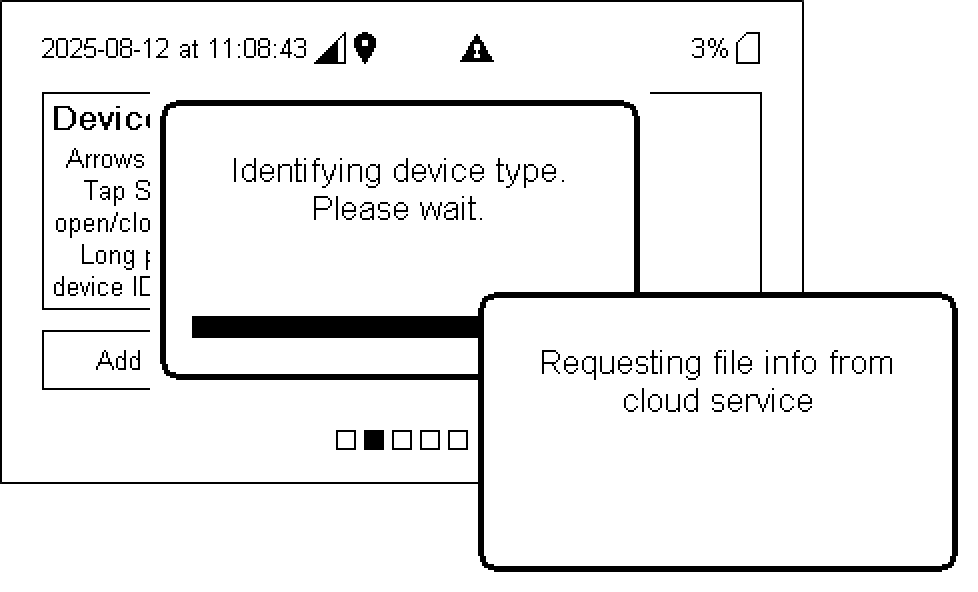
-
Preview the device information and make changes if desired.
Leave the period at 30 minutes to use cleaning and gap filling on LI-COR Cloud.
-
Save the configuration.
Press Right (
 ) and then Select () to save changes. You MUST save changes.
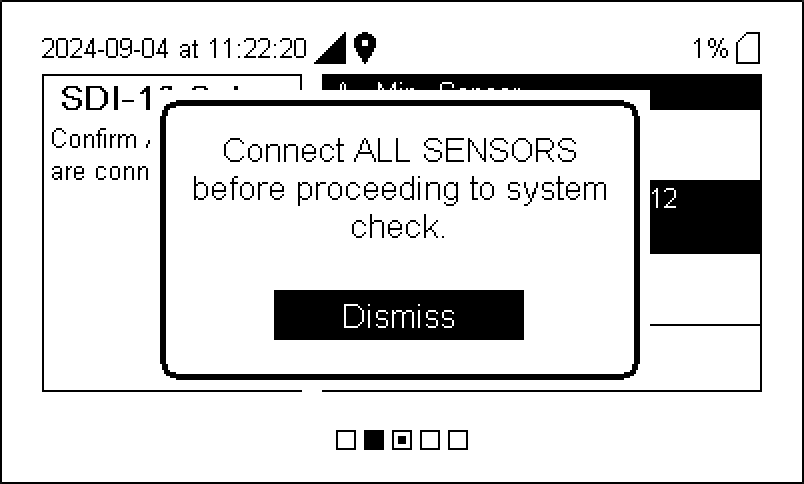
-
Watch as the IoE Module finishes the configuration.
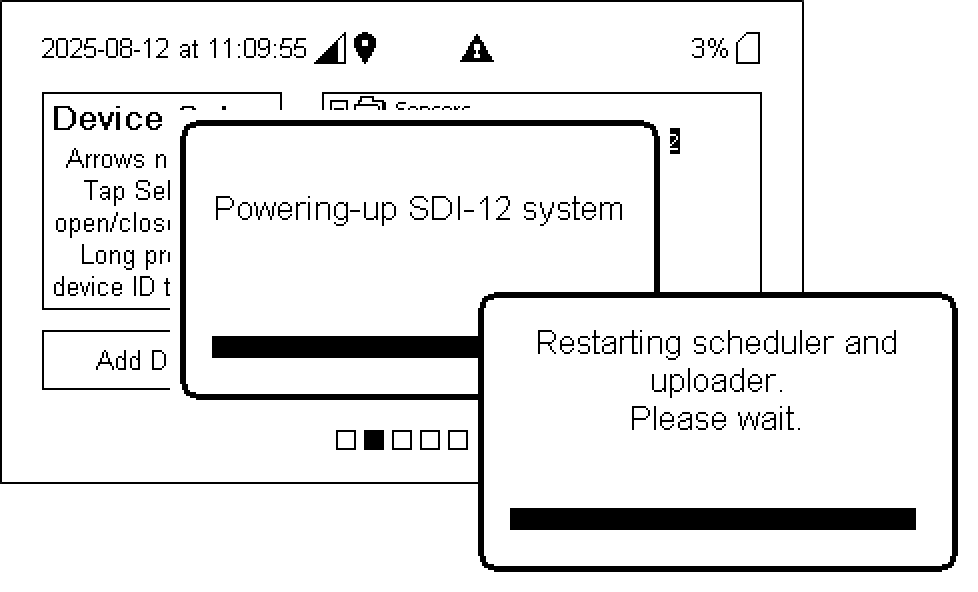
-
If the IoE Module is partially configured but has no interactions for one hour, it will abort the configuration and return to the prior configuration and display the home screen.
-
The LI-710 does not support 10 Hz datalogging. Do not enable the feature with an LI-710.
-
Trouble registering a sensor? See IoE Module troubleshooting.
Deleting a sensor
If you have connected a device but want to delete it for some reason or another, follow these steps.
-
Enter Device Setup and select the device to remove.
-
Long-press Select (
) until prompted: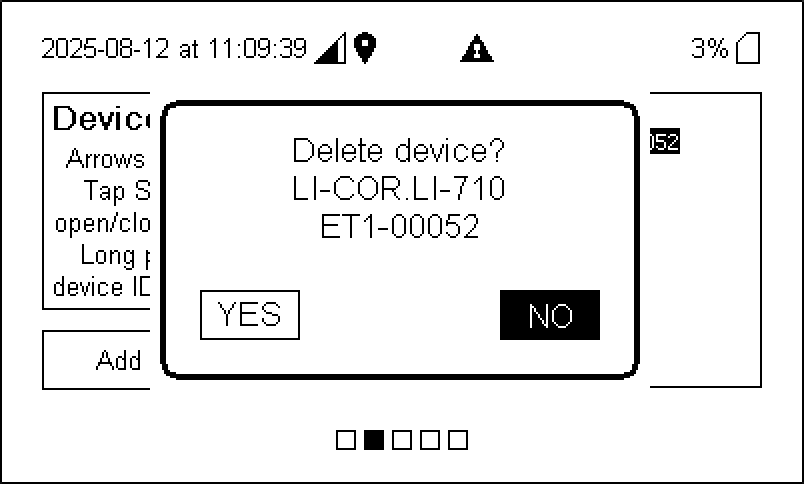
-
Select YES to remove the device and its configuration from the IoE Module.
-
Save the configuration.
Press Right (
) once to open the prompt, then select YES to save the changes and dismiss the prompt. You MUST save changes for the settings to be applied.
Watch as the interface returns to the home screen, indicating success.
Changing the reporting interval
The reporting interval can be set at the IoE module. The LI-710 and IoE Module report results every 30 minutes by default, but this can be changed to any interval between 15 and 60 minutes (5 minute resolution). The Stevens probe reports results every 10 minutes by default but it can be any interval between 10 and 60 minutes (5 minute resolution).
Note: Use a 30-minute averaging period if you want to use outlier detection and gap filling on LI-COR Cloud.
To change the reporting interval:
-
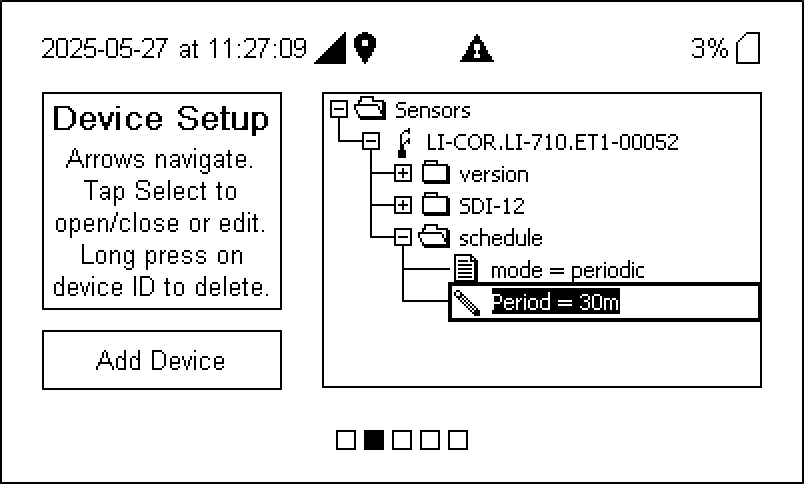
Go to the device setup screen and select a device.
-
Use the arrow keys to select the item to adjust - in this case, select Period to open options.
Follow the directions on the screen.
-
After making changes, use the arrow keys to navigate away from the Device Setup screen.
-
When prompted to save changes, select YES.
Caution: 10 Hz logging (under Device Setup> Config > System) is supported by the LI-720 only. Enabling 10 Hz logging with an LI-710 will cause unstable performance and the desired data will not be logged.
Trouble registering a sensor? See Water node sensor network issues.