


Data feed
LI-COR Cloud allows you to set up a data feed that regularly pushes data to the Network for Environment and Weather Applications (NEWA).
Creating a data feed
To set up a data feed:
-
Be sure that the station is configured with a logging interval of 5 minutes.
-
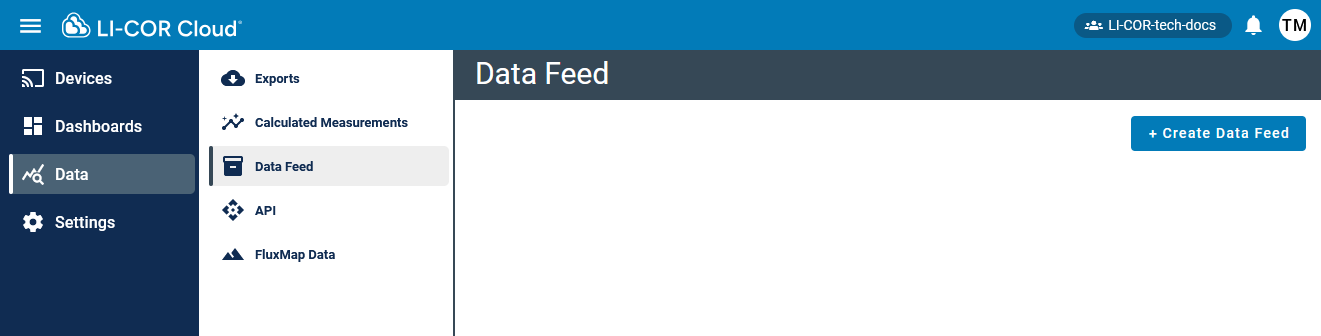
Select Data > Data Feed.
-
Click + Create Data Feed.
- For Destination, select NEWA.
- For Device, select your station.
-
Assign the sensors by selecting the sensors to feed into each NEWA measurement type.
For Soil Temperature and Soil Moisture, select the depth for the sensor.
-
Click Save.
Note: See the quick start for setting up a station for NEWA and for information on linking your station to the network at www.onsetcomp.com/resources/documentation/23631-rx3000-qs-newa.